A service account is the login that belongs to a job rather than a person. The nightly sync between two systems runs as one. The backup agent, the monitoring scanner, the integration between the ticketing tool and the chat tool, the pipeline that deploys code: each authenticates as a service account. Each was granted permissions once, usually generously, so that the job would work. They are the most common non-human identity in any company, and the one most often left out of governance, because every governance process starts by asking who the person is.
created by an engineer         job runs nightly            engineer leaves
to make a job work             for two years               (HR closes their accounts)
        |                             |                             |
        v                             v                             v
[ svc_wms_sync ]  ------>  [ svc_wms_sync ]  ------->  [ svc_wms_sync ]   keeps running
 owner: implicit            owner: nobody asked          owner: gone
 scope: domain admin        review: skipped              secret: never rotated

what governance adds:   named owner     ->  reassigned on leave, or revoked
                        scope + expiry  ->  re-justified on a date
in the review -> decided like any other entitlementHow do service accounts work?
A service account looks like a user account to the system it lives in, with a username, credentials and permissions, but no human signs into it.
Where the secret lives
The account authenticates with a password, an API key, a certificate or a token. The secret is stored wherever the process runs: a configuration file, a secrets manager, an environment variable, or a shared note in the password manager. The storage choice decides what can be reconstructed after an incident. A secrets manager records which principal read the value and when, so the set of people who could have taken it is knowable. A configuration file on a host records nothing, so the answer to who held the credential is everyone who ever had access to that host or to the repository it was committed to. That difference is invisible while the job runs and decisive the week it matters.
The exceptions that keep the job running
Systems treat service accounts differently from people in small ways that matter, and each difference was granted for a good reason.
| Exception granted to a service account | The reason | The control it removes |
|---|---|---|
| Exempt from password expiry | So the job does not break at 3 a.m. | The forced rotation that limits how long a stolen secret works |
| No MFA | There is no phone to answer | The second factor that stops a stolen password on its own |
| No last-login recorded | Nothing interactive ever happens | The dormancy signal that flags an unused account |
| Excluded from the access review | There is no manager to route the row to | The periodic check that everything else gets |
| Broad permissions | It had to work on the first try | Least privilege |
Whether a name on the key still means anything
The thread that argues most sharply for service accounts also names the ownership problem in one question:
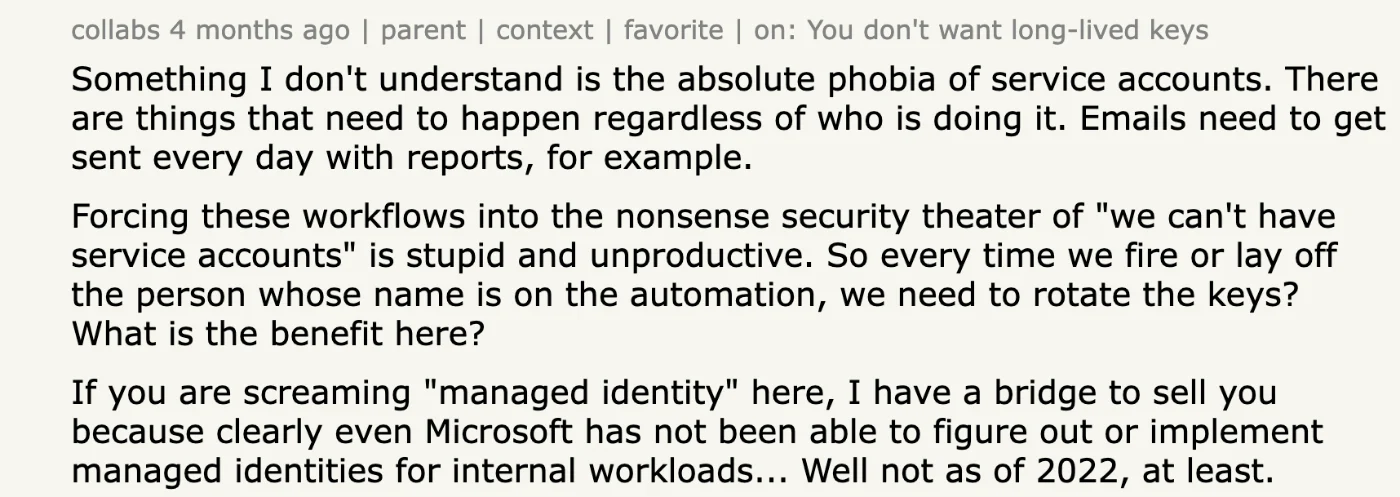
So every time we fire or lay off the person whose name is on the automation, we need to rotate the keys? What is the benefit here?
The reply in the same thread is the security answer, and the two together are the whole debate:
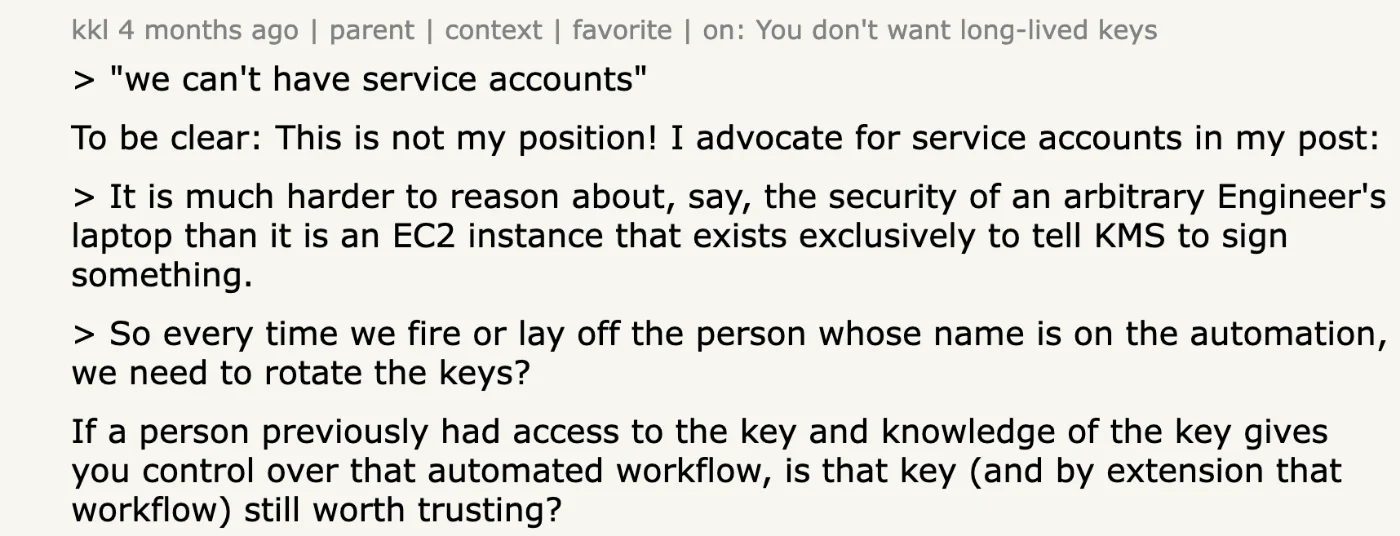
If a person previously had access to the key and knowledge of the key gives you control over that automated workflow, is that key (and by extension that workflow) still worth trusting?
Why do service accounts become a risk?
Four properties compound to make them dangerous.
Longevity
A service account is created to solve a problem and stays as long as the problem does. That is often years past the tenure of the person who created it, and the secret it was born with is usually the secret it still has.
Privilege
It was granted what it needed to work on the first try, which in practice means more than it needed. Nobody trims a working job, and domain admin or workspace owner is the fastest way to make an integration work.
Invisibility
It has no manager to route a review to, no HR event to trigger its removal and frequently no last login to reveal disuse. An attacker who obtains its credential gets standing, privileged, unmonitored access. The 2024 campaign against Snowflake customers ran on exactly that combination: credentials stolen years earlier, still valid, on accounts without a second factor.
Liveness that proves nothing
The usual remediation for a stale account is to find it by its last logon, which is what Microsoft's guidance for Active Directory describes. That signal inverts for a service account, because the job itself keeps the account warm. As long as the job runs the account keeps authenticating, so every automated measure of activity reports it as alive, including long after the business purpose it served has ended. A nightly sync into a system nobody has read a report from since 2023 looks exactly like a nightly sync somebody depends on. Deciding between the two is a judgement about purpose, and only the owner can make it, which is the first reason an owner is required.
How do service accounts differ from other non-human identities?
| Kind | Has an account record? | Holds its own permissions? | Decides what to do at runtime? | Found in |
|---|---|---|---|---|
| Service account | Yes | Yes | No | The directory, cloud consoles, databases, applications |
| API key or token | No | Yes, attached to the key | No | Developer settings inside each application |
| OAuth grant | No | No; a delegated slice of a person's access | No | The workspace suite's admin console |
| AI agent | Sometimes, as a service account | Yes, whatever it was given | Yes | Coding tools, automation platforms, chat platforms |
Why the distinction changes the inventory
Each kind is found in a different place and revoked in a different way, so an inventory that only lists directory service accounts has missed most of the population. The columns that differ also decide who can answer for the identity. A service account has a record an administrator can open, name and assign, which makes it the easiest kind to govern once it has been found. A key or a grant has no such record, so the only durable place to note its owner is outside the system that issued it.
The kind that borrows a service account
Most AI agents in production today authenticate as a service account, because that is the credential their creator had available. The governance question for those agents is therefore a service account question in new clothing: who owns it, what can it reach, and what happens on the day its creator leaves. The one property that does not carry over is scope, because a person running a script uses the permissions the script needs and an agent may use any permission it holds.
What does governing a service account take?
Four things, and none of them is exotic.
1An owner
A named person who answers for the account and is replaced when they leave, recorded in a field the review can route to. The owner is the owner of the process, not the engineer who happened to create the account.
2A scope
The least access the job needs, revisited when the job changes. Domain admin and workspace owner are exceptions that need a written reason and a date.
3An expiry or a rotation
A credential that stops working on a date unless someone re-justifies it. Better still, a short-lived token issued on demand, so there is nothing long-lived to steal. One administrator's practice, from a thread on sharing passwords inside a company:
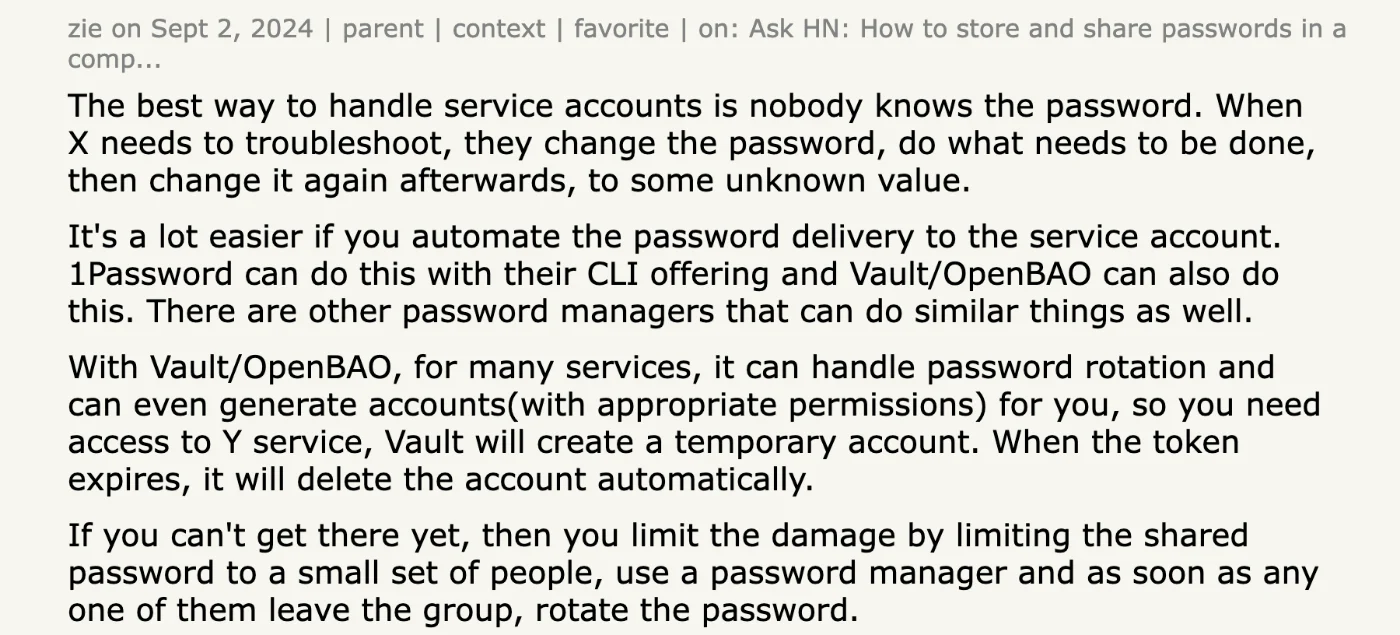
The best way to handle service accounts is nobody knows the password. When X needs to troubleshoot, they change the password, do what needs to be done, then change it again afterwards, to some unknown value.
4A place in the review
Every service account appears in the access review population next to the people. It is routed to its owner, with a decision recorded like any other entitlement. Two smaller rules make that work in practice. The review has to show what the account has actually done recently, because an owner asked to justify an account with no usage data will approve it. And the owner field has to be checked when its holder leaves, so that a departure reassigns the account rather than orphaning it quietly.
Iden reads the account list from each application directly, so integration users appear inline among the people with their roles, licences and permission sets, as in the Salesforce accounts view. Each can be assigned an owner, routed into the access review with the people, and flagged when its owner leaves, which is the lifecycle this page says service accounts usually lack. The feature behind it is Service accounts, API keys and agents.
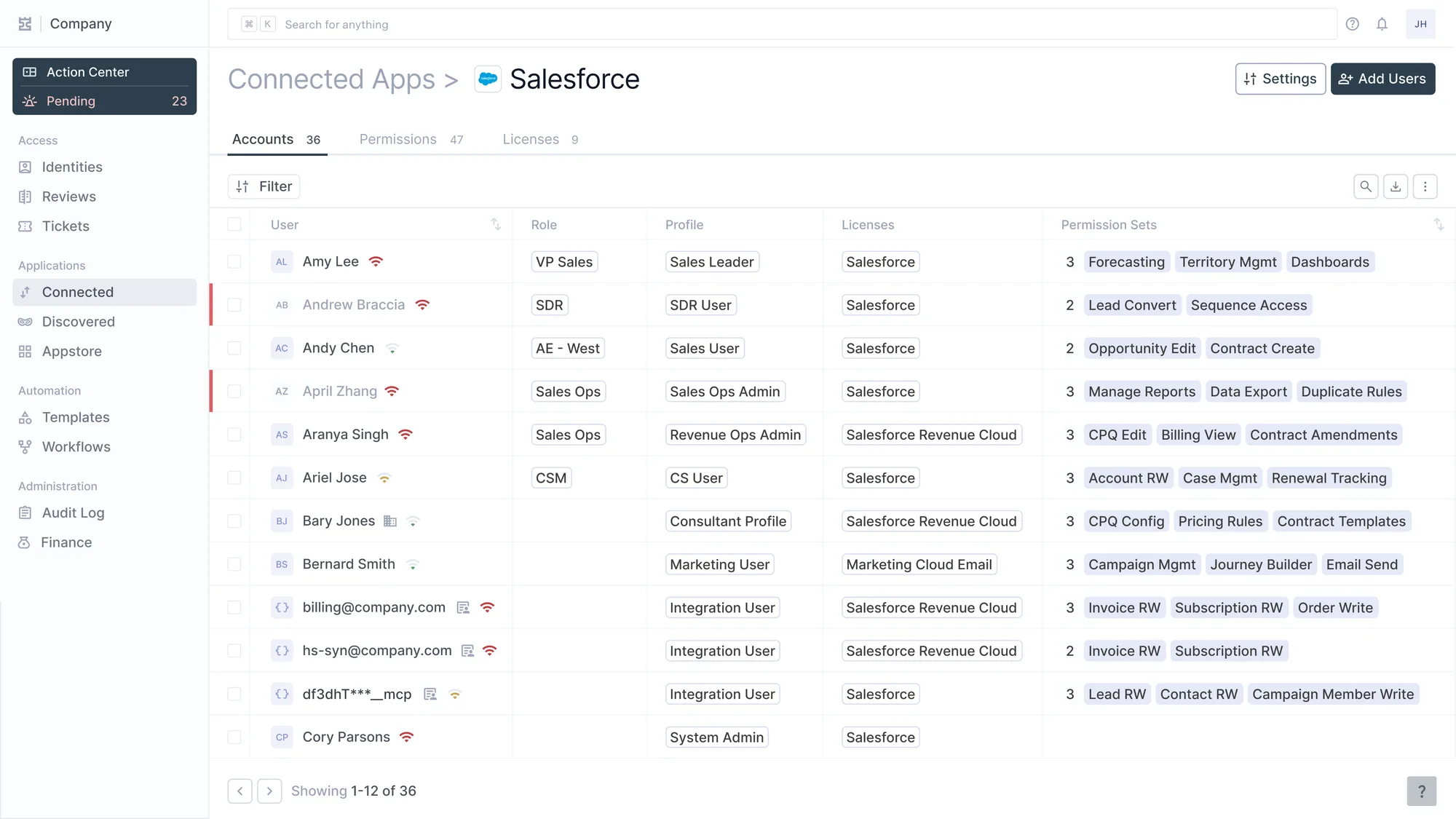
Die Accounts einer Applikation. billing@, hs-syn@ und ein MCP-Integrationsnutzer stehen mit allen anderen in der Liste und tragen dieselben Profile und Permission Sets.
How does SCIM treat service accounts?
It does not see them, and it was never meant to.
Why they never pass through the directory
SCIM provisions people from a directory into applications, and a service account has no directory record to provision from. It is created inside the application or the infrastructure, by an administrator or an engineer, at the moment something needed to authenticate. Nothing in that path involves the identity provider, so nothing about the account reaches it, including the fact that it exists.
The local accounts inside SCIM applications
The consequence is easy to miss on an application that does support the protocol. SCIM reports what the directory pushed, and an application's own list always contains more than that. It holds the integration user an administrator created in the product, the API token issued in developer settings, and the invitations sent before the identity provider was connected. Coverage is therefore a property of the read rather than of the application. Finding and governing these accounts means connecting to each system directly and reading its own account list. That is the coverage problem of every application outside SCIM, applied to the accounts least likely to be noticed.