SCIM provisioning is automated user provisioning carried out over the SCIM protocol. An identity provider or governance tool creates accounts in an application, keeps their attributes and group memberships current, and deactivates them when the person leaves, and nobody does any of it by hand. For applications that support SCIM it is the clean, standard way to keep them in sync with a source of truth. It is worth separating from SCIM the protocol: SCIM is the standard, and SCIM provisioning is what gets done with it.
Which path provisions this app?
Does the app expose SCIM, on the plan you already pay for?
      |
      +-- yes ------------------------------> SCIM
      |
      +-- no
           |
           +-- usable API?  ------- yes ----> API LAYER
           |
           +-- admin UI only? ----- yes ----> UI-DRIVEN AUTOMATION
           |
+-- neither ---------------------> CUSTOM CONNECTORWhat operations does SCIM provisioning support?
Four operations cover the whole account lifecycle for a connected application.
| Operation | Triggered by | What happens in the application |
|---|---|---|
| Create | A new user in the source of truth, matched to the application by an assignment rule | An account appears with the attributes the directory holds |
| Update | An attribute or role change in the directory | The account's name, email, department or manager changes to match |
| Deactivate and reactivate | The user is disabled, or a leaver returns | The account is deactivated, and restored just as fast if the person comes back |
| Group sync | A directory group's membership changes | The application's group or role gains or loses the member |
Together these mean a joiner appears everywhere they should, a mover's accounts update, and a leaver's accounts deactivate, without per-user work once the connection has been made. A commenter on a thread about the protocol described the first of those from a manager's chair:
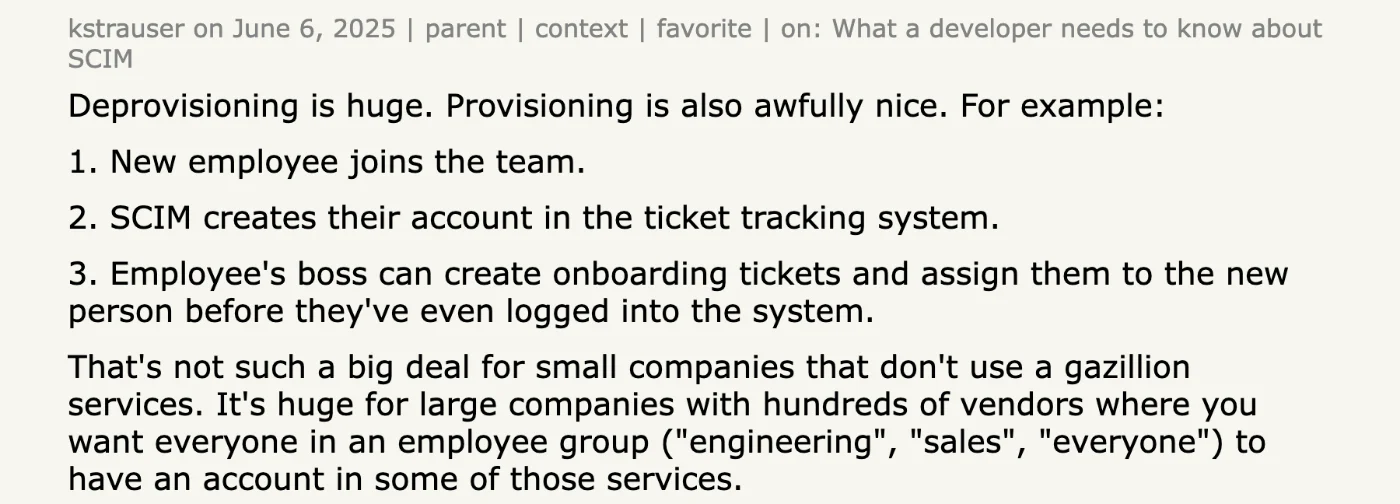
Deprovisioning is huge. Provisioning is also awfully nice. For example: 1. New employee joins the team. 2. SCIM creates their account in the ticket tracking system. 3. Employee's boss can create onboarding tickets and assign them to the new person before they've even logged into the system.
How is SCIM provisioning set up?
The setup is a one-time connection rather than an ongoing task, and it has the same shape for every application. Six steps, of which only the fourth and the fifth involve a decision.
1Turn it on in the application
Provisioning is a setting in the application's own admin area, usually beside SSO, and turning it on exposes the endpoint and generates a bearer token. On a gated plan this is where the upgrade bites: the setting is visible and disabled.
2Connect the provider
Add the application in the identity provider or governance tool, paste the endpoint and the token, and test. A failed test here is almost always the token, a trailing slash on the URL, or an application that wants its own tenant identifier in the path.
3Map the attributes
Decide which directory field becomes the application's userName, which becomes the display name, and which optional fields the application accepts. The one that matters is the immutable identifier: map it to something that does not change when somebody marries or moves team, or the next sync creates a second account rather than updating the first.
4Choose who gets an account
Assignment by group is the rule; assignment of everyone is the exception that needs a reason. This is the decision that sets the licence bill for the next year.
5Map groups to roles
Membership in a directory group grants the corresponding role in the application, which is what makes access follow a role rather than a request. Applications differ in how much of their permission model they expose here, and most expose less than they have.
6Sync once, then reconcile
The first run reads what the application already holds and matches or creates accounts. Expect the reconciliation to surface accounts nobody predicted: contractors, duplicates, and the local logins that were created before SSO arrived.
From that point the sync runs on its own. The absence of per-user work after setup is the entire value of the protocol. The plumbing is laid once, and then it carries. The setup itself is where the friction lives, as the founder of an SSO tooling company noted:
Honestly IETF did a pretty good job with SCIM itself. It's not wacky in the way SAML is at all. In my experience the hardest part about integrating SCIM is setting up all the IDP-specific configuration around it.
Where does SCIM provisioning stop?
Two edges bound what SCIM provisioning can do, and both matter in practice.
Coverage
Only applications with a SCIM endpoint can be provisioned this way. Most of a typical stack, meaning the standard-plan tools, the internal admin panels and the older systems, cannot. Either the vendor never built SCIM or it is gated behind a tier the company does not buy. For all of those applications SCIM provisioning is simply not available, and the work falls back to tickets unless another method covers it. An IT leader at a mid-sized company described what the ticket version looks like:
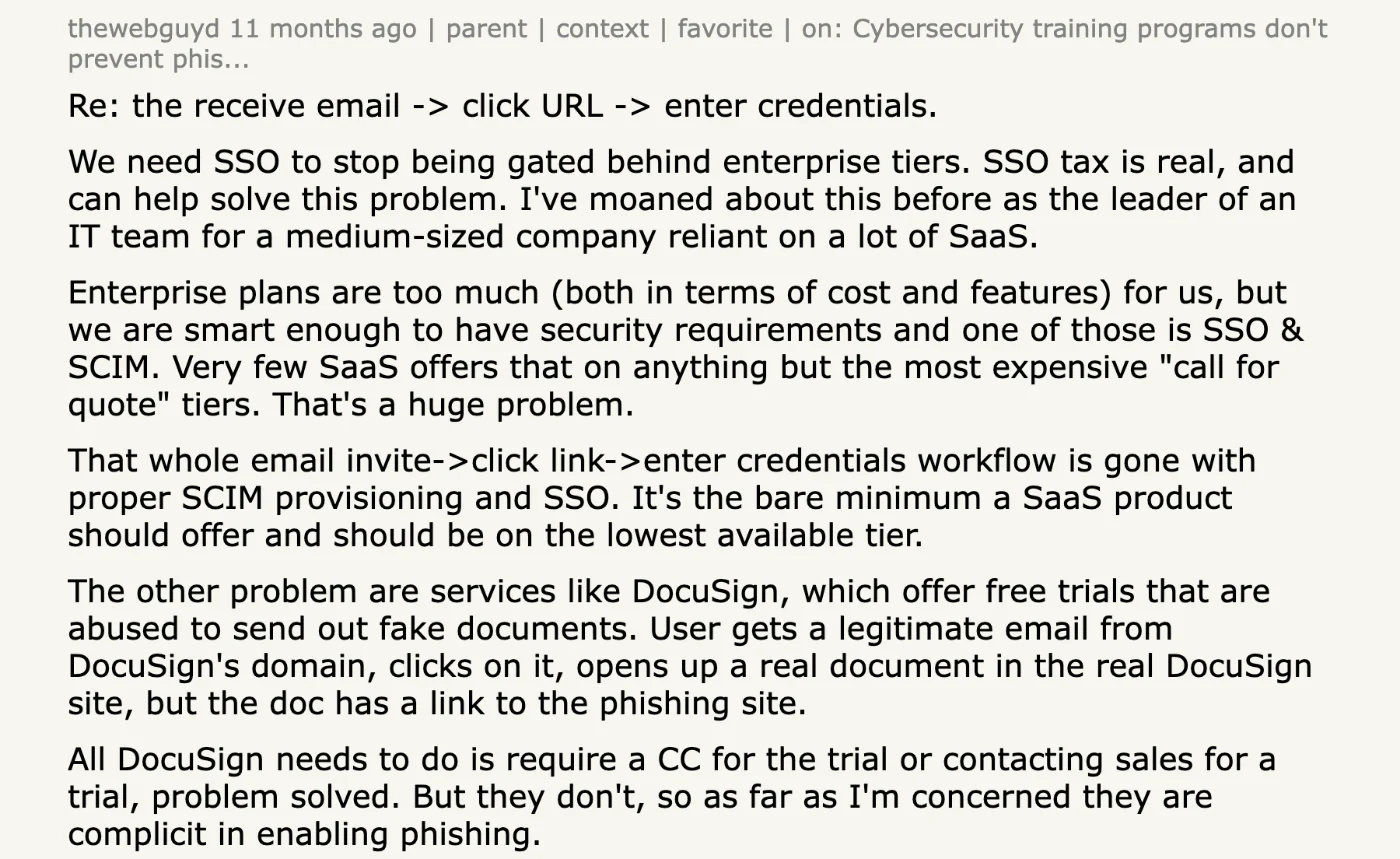
Enterprise plans are too much (both in terms of cost and features) for us, but we are smart enough to have security requirements and one of those is SSO & SCIM. Very few SaaS offers that on anything but the most expensive "call for quote" tiers. That's a huge problem. That whole email invite->click link->enter credentials workflow is gone with proper SCIM provisioning and SSO.
Depth
For the applications that are connected, SCIM keeps accounts and group memberships in sync. It does not manage fine-grained entitlements below the group, run access reviews, or generate audit evidence. Account sync is necessary and not sufficient, and the governance has to sit on top of it.
How are apps without SCIM provisioned?
The applications SCIM cannot reach still need provisioning, and it does not have to be manual.
| Path | When it applies | How it works | Plan dependency |
|---|---|---|---|
| SCIM | The application includes SCIM on the current plan | The standard endpoint, as above | Included |
| The application's API | The application has a user-management API but no SCIM, or gates SCIM | A governance tool calls the API to create, change and close accounts | None; APIs are usually available on every plan |
| Custom automation | The application has an admin console and no API | A custom automation framework drives the console the way an administrator would | None |
| A person | Nothing else is possible | A ticket, worked by hand, from a list | None, and the list is the weak point |
Neither the API path nor the automation path depends on a SCIM endpoint or an enterprise-tier upgrade. That is how the non-SCIM majority of a stack gets automated on whatever plan the company already holds, and it is why the ladder in the diagram above has more than one rung.
Iden provisions over SCIM where an application includes it on the current plan, over the application's API where SCIM is gated or missing, and through a custom connector where there is no API. A workflow run shows the result for one new hire: each account provisioning in turn, with the path each application used, whether or not that application had a SCIM endpoint. The feature behind it is Day one access, without a ticket.
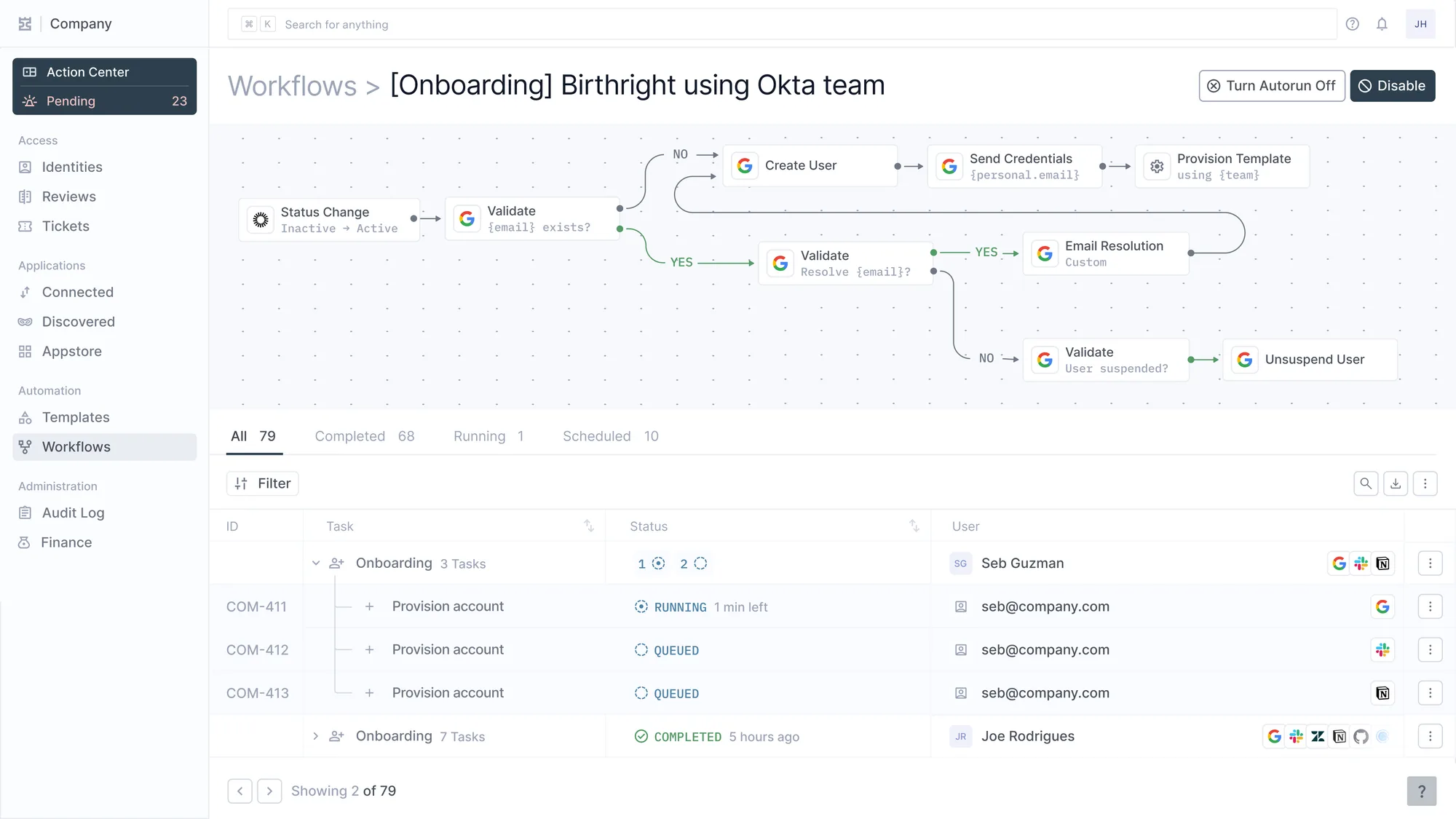
The same workflow as a definition and as a run. Underneath, three accounts going out for one hire, each with its own ticket ID.